

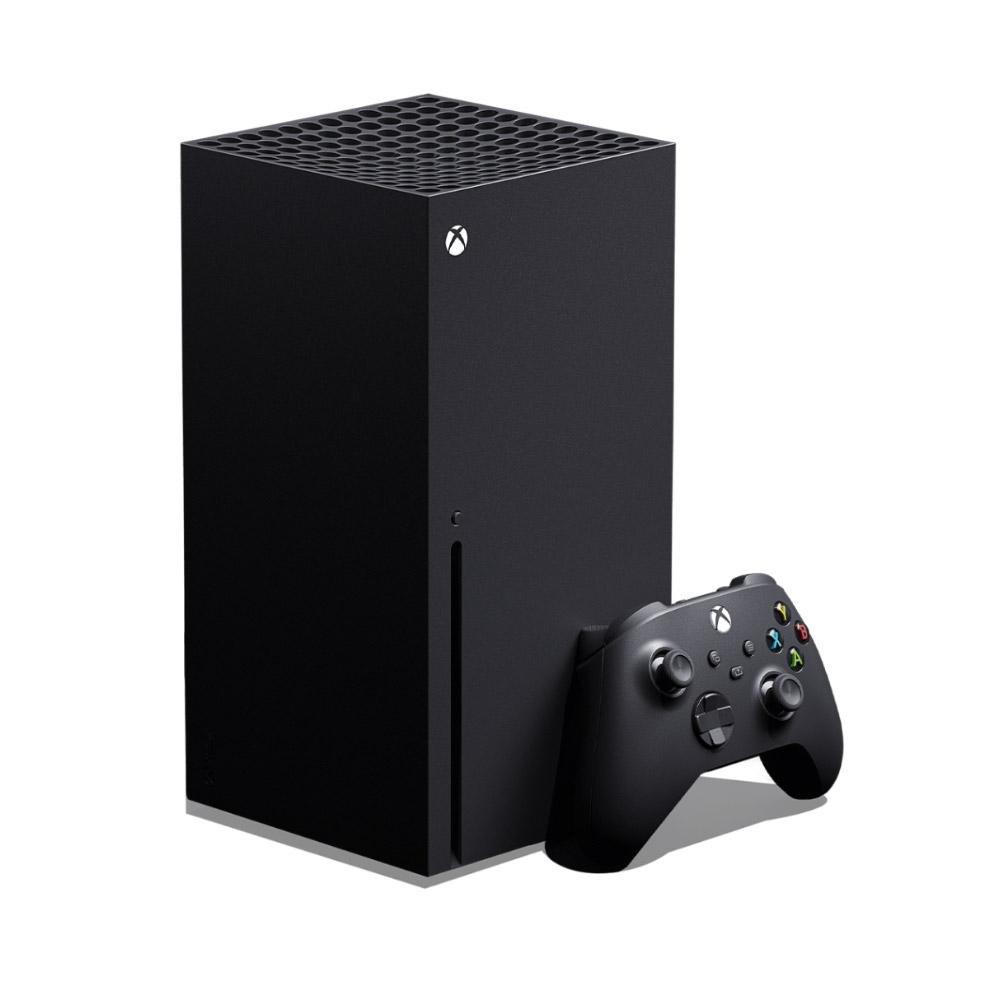
A great gaming experience comes from how well your whole setup works together, not from one expensive component. Whether you play on a PC or a console, competitively or casually, a few key decisions make the biggest difference to performance, comfort and enjoyment.
Choose Your Platform
Start with the games you want to play. Gaming PCs offer flexibility, upgrade options and a huge library of titles, and they double as powerful machines for creative work. Consoles are simple to set up and are designed to work straight out of the box with your TV. Many gamers enjoy both, so think about where you will play and who you will play with.
Performance Where It Counts
On a gaming PC, the graphics card has the greatest effect on frame rates and visual quality, followed by the processor and memory. A fast SSD shortens loading times. Match your components to the resolution and frame rate you want: high frame rates for competitive titles, or high resolution and visual detail for story-driven games.
The Right Display
Your monitor or TV is where all that performance becomes visible. Key points to compare:
- Refresh rate: higher refresh rates such as 144 Hz and above make motion look smoother in fast-paced games.
- Response time: lower response times help reduce motion blur.
- Resolution: choose a resolution your PC or console can drive comfortably.
- Adaptive sync: technologies that synchronise the display with your graphics output can reduce tearing and stutter.
Keyboards, Mice and Controllers
Peripherals are your direct connection to the game. Gaming keyboards often use mechanical switches for responsive key presses, while gaming mice offer adjustable sensitivity and extra buttons. For console and many PC games, a comfortable controller with reliable connectivity is just as important. Choose what feels right in your hands, because comfort matters during long sessions.
Sound and Communication
Good audio helps you hear footsteps, directions and in-game cues, and it makes the experience more immersive. A gaming headset with a clear microphone also keeps team communication clear in multiplayer games.
A Stable Connection
Online gaming depends on a stable network. Wherever possible, connect your PC or console with an Ethernet cable for lower latency. If you rely on Wi-Fi, place your router in an open, central position and consider modern networking equipment for stronger coverage.
Comfort and Space
A supportive chair, a desk at the right height and good lighting help you play longer without discomfort. Leave enough room for your mouse movements, and keep cables organised to avoid accidental disconnections.
Upgrade at Your Own Pace
Focus first on the part of your setup that limits you most, whether that is frame rate, display quality, comfort or connection stability. Browse our Gaming category to explore gaming PCs, accessories, keyboards and mice, or contact us for help planning your next upgrade.

No comment