

A powerful computer is only part of a productive workspace. The accessories around it shape how comfortable you are, how quickly you work and how well you stay organised throughout the day. Whether you are setting up a home office or upgrading a desk at work, these are the accessories worth considering first.
A Comfortable Keyboard
You interact with your keyboard more than almost anything else, so comfort matters. Full-size keyboards include a number pad that is useful for spreadsheets and accounting work, while compact layouts free up desk space for your mouse. Consider the typing feel too: some people prefer the quiet response of low-profile keys, others enjoy the tactile feedback of mechanical switches. Wireless keyboards help keep the desk tidy.
An Ergonomic Mouse
A mouse that fits your hand can reduce strain during long working days. Ergonomic shapes, adjustable sensitivity and programmable buttons can all speed up repetitive tasks. If you travel often, a compact wireless mouse is easy to carry alongside a laptop.
An External Monitor
Adding a monitor is one of the most effective ways to work more efficiently. A larger screen lets you view documents side by side, compare data and reduce constant window switching. When choosing a monitor, look at:
- Size and resolution: larger screens benefit from higher resolutions for sharp text.
- Connectivity: make sure it supports the ports on your computer, such as HDMI, DisplayPort or USB-C.
- Adjustability: height and tilt adjustment help you keep a healthy posture.
A Quality Headset
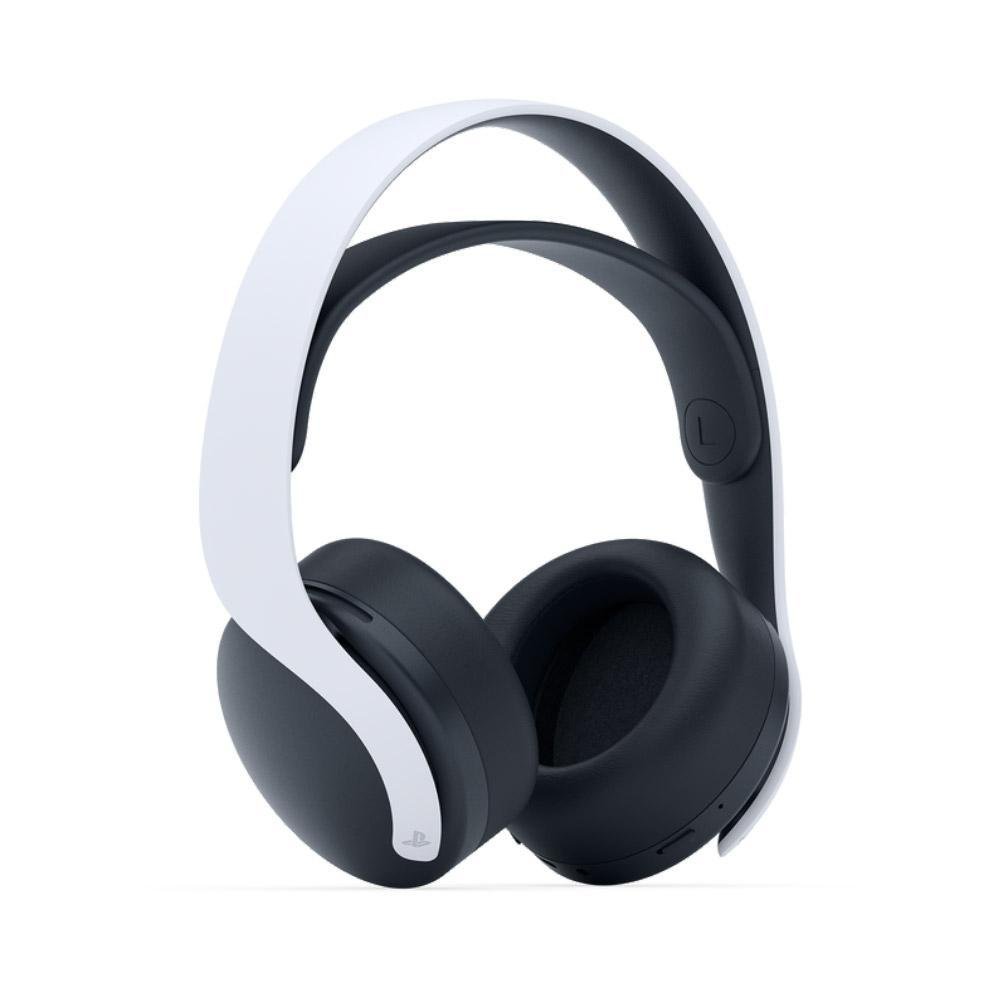
Video calls are now part of everyday work. A headset with a clear microphone helps colleagues and customers hear you properly, while noise isolation helps you concentrate in busy environments. Wireless headsets give you freedom to move, while wired models avoid any need for charging.
Reliable Storage and Backup
External drives give you extra space for large files and an easy way to keep backups. Solid-state external drives are fast and compact, while larger hard drives offer more capacity for archives. Whatever you choose, a regular backup routine protects your work from accidental deletion or hardware problems.
Docks, Hubs and Cable Management
Many modern laptops have a limited number of ports. A USB-C hub or docking station can connect your monitor, keyboard, mouse, network cable and storage through a single connection, which makes it easy to move between the desk and meetings. Simple cable organisers and a sensible desk layout also make a workspace feel calmer and more professional.
Build Your Setup Step by Step
You do not have to buy everything at once. Start with the accessory that solves your biggest daily frustration, whether that is a cramped screen, an uncomfortable mouse or poor call quality, and build from there.
Explore our Accessories category for keyboards, mice, headsets, storage and monitors, or get in touch if you would like advice on putting together the right setup.

No comment